ArgoCD Walkthrough
An example repository containing a guestbook application is available at https://github.com/argoproj/argocd-example-apps.git to demonstrate how Argo CD works.
Creating Apps Via UI
Open a browser to the Argo CD external UI, and login by visiting the IP/hostname in a browser and use the credentials set in step 4.
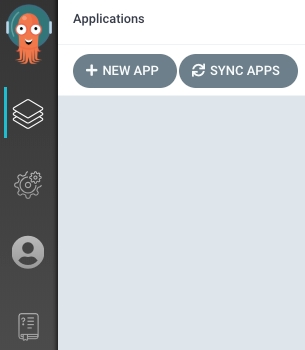
After logging in, click the + New App button as shown below:
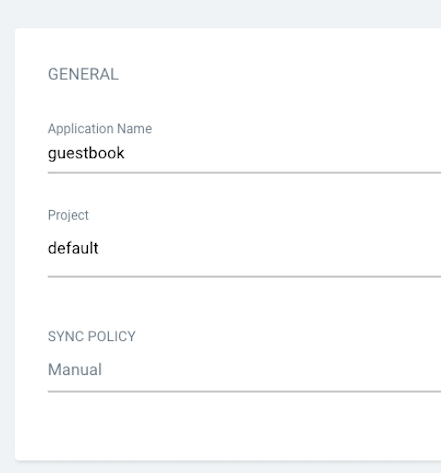
Give your app the name guestbook, use the project default, and leave the sync policy as Manual:
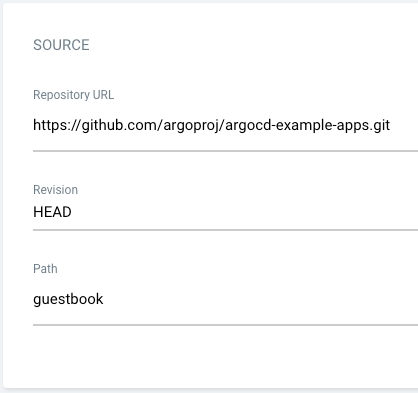
Connect the https://github.com/argoproj/argocd-example-apps.git repo to Argo CD by setting repository url to the github repo url, leave revision as HEAD, and set the path to guestbook:
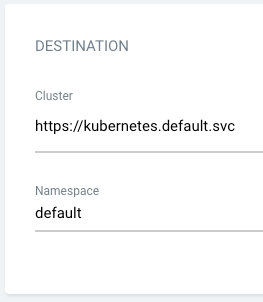
For Destination, set cluster URL to https://kubernetes.default.svc (or in-cluster for cluster name) and namespace to default:
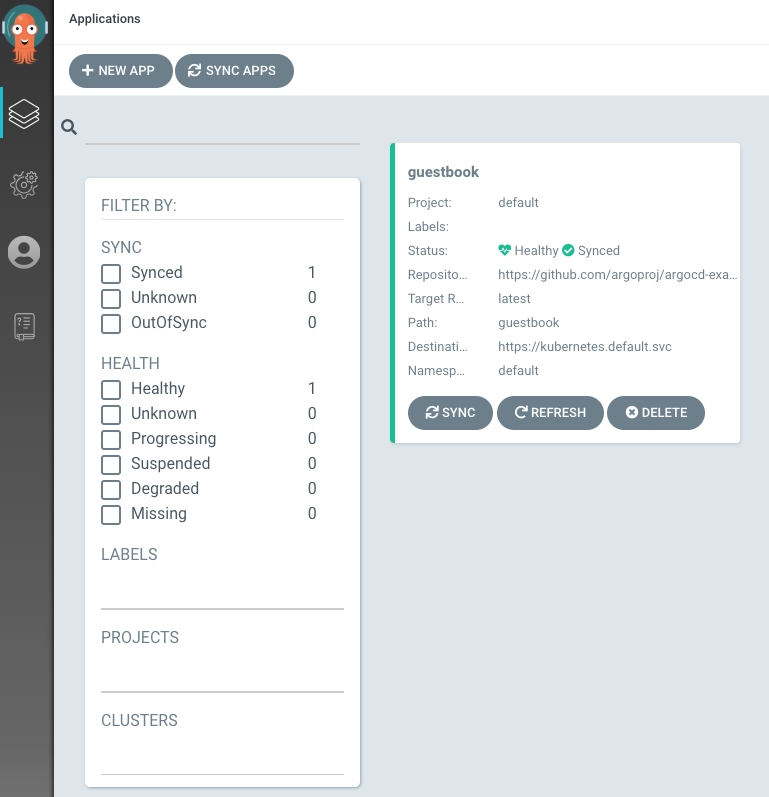
After filling out the information above, click Create at the top of the UI to create the guestbook application:

Sync (Deploy) The Application

Last updated